QuickBooks Desktop Enterprise Solutions 2024 (1 User) | US Edition
Scalable accounting with advanced inventory and reporting for larger businesses. One-time purchase.
Select edition
Select number of users
Seats are simultaneous users — how many people are in the company file at the same moment, not how many work at the business.
Not sure how many you need? Count the people who work in QuickBooks at the same time. How to count yours
One-time payment · No subscription
- Scales with your growing business
- One-time payment — no subscription
- Genuine license, instant delivery
- Powerful inventory & reporting
- Priority 24/7 support
Product description
QuickBooks Desktop Enterprise Solutions 2024 is built for growing and larger businesses that have outgrown Pro and Premier. Get advanced inventory, advanced pricing, deeper reporting, role-based permissions and capacity for more users and data. A genuine license delivered instantly, with a one-time payment.
Key features
- Supports more simultaneous users
- Advanced inventory & advanced pricing
- Advanced reporting with templates
- Role-based user permissions
- Handles larger data files & lists
- Automated backups & updates
System requirements
Operating system: Windows 10 or Windows 11 (64-bit), all editions
Processor: 2.4 GHz minimum
RAM: 8 GB minimum (16 GB recommended)
Disk space: 2.5 GB available (additional space for data files)
Display: 1280×1024 or higher
Internet: Required for download, activation and updates
Overview
QuickBooks Desktop Enterprise Solutions 2024 is the top of the Windows Desktop line, built for US companies whose books, inventory and headcount have moved past what Pro and Premier can carry. It seats far more people in one file — with permissions fine enough to say exactly who may see or change each type of transaction — and keeps performing as lists and history grow into the hundreds of thousands of records.
Scale is the headline. Enterprise holds vastly larger customer, vendor and item lists than the smaller editions, runs on a dedicated database server for responsiveness under load, and can roll several company files into one combined report. Its reporting is a level up too: alongside the standard library, Advanced Reporting gives you a build-your-own, spreadsheet-style report canvas driven by your own fields. Sales orders, purchase orders and role-based user controls across a long list of activities give larger teams the structure a growing operation needs.
For inventory-heavy businesses, Enterprise is the platform on which QuickBooks' Advanced Inventory and Advanced Pricing capabilities are available — FIFO valuation, barcode-assisted picking, serial and lot numbers, bin locations and multi-warehouse quantities, plus rules-based price levels. Warehouse staff can scan and count stock where it physically sits while the finance team sees the same quantities without waiting on a nightly batch. That makes it a genuine fit for manufacturers, wholesalers, distributors and multi-location field operations that want tighter control without moving to a heavier, pricier ERP and retraining everyone.
It installs on your own server or network and is licensed once for the 2024 release, with the license key and official Intuit download sent to you by email. Your financial and customer data stays on-premises, under your control, at a single up-front cost rather than an escalating per-seat subscription. When a business needs real capacity, deeper reporting and strict internal controls but wants to stay in QuickBooks, Enterprise 2024 is the edition that gets it there.
Is this edition right for you?
Who should buy it
- Growing US companies that need more seats and stricter permissions than Premier's five-user ceiling allows.
- Manufacturers, wholesalers and distributors that want barcode, multi-warehouse and rules-based pricing on a QuickBooks platform.
- Operations carrying very large lists or long transaction histories that bog the smaller editions down.
Best use cases
- Many users with activity-level permissions
- Large item, customer and vendor lists
- Build-your-own Advanced Reporting
- Sales orders and multi-location inventory workflows
Ideal business types
- Manufacturing and assembly
- Wholesale, distribution and high-volume e-commerce
- Larger contractors and field services
- Multi-branch and multi-entity operations
How it compares
Why step up from Premier to Enterprise
Premier tops out at five users and standard inventory. Enterprise raises the seat count sharply, unlocks the Advanced Inventory and Advanced Pricing platform, adds Advanced Reporting, widens list limits and lets you permission users activity by activity. Make the move when seats, stock complexity or file size are the thing holding you back.
See the smaller editionsEnterprise or Enterprise Accountant?
They share the same platform; the Accountant build adds the practitioner toolkit — Client Data Review, batch entry, the Accountant's Copy and edition toggling — for firms that service other companies' Enterprise files rather than run a single business.
Compare Enterprise AccountantDownload, install & activation guide
Your license is delivered by email with the official Intuit download link and your product codes. Follow these steps to get up and running in minutes.
- 1
Download
Your confirmation email carries the official Intuit download for Enterprise Solutions 2024 together with your license and product numbers.
- 2
Install
Install QuickBooks on each workstation and put the Database Server Manager on the machine that will host the company file; choose the multi-user host option there.
- 3
Activate
On the host installation open Help, choose Activate QuickBooks Desktop, and enter the activation, product and validation codes from your PDF.
- 4
Troubleshoot
If activation stalls, choose 'Issues with activation?' instead of the automated chat, confirm the host can reach the shared file, or reply to your order email for hands-on help.
Step-by-step guides
Questions about this product
Why customers trust TaxUSA
Secure Checkout
Payments are processed over encrypted, PCI-compliant providers.
Fast Digital Delivery
Your license is delivered by email after payment — usually within minutes.
Email Customer Support
Real help with download, install and activation — just reply to your email.
Refund Policy Available
Orders are covered by our published refund policy.
Privacy Protected
We only collect what's needed to fulfil your order. See our privacy policy.
Instant Order Confirmation
You get an on-screen and email confirmation as soon as your payment completes.
Customer reviews
Works great
“Enterprise handles our larger data file without issues. Support answered my activation question quickly.”
Handles our inventory perfectly
“Advanced inventory and reporting are exactly what our warehouse needed. Genuine key, activated instantly.”
Scales with us
“We outgrew Pro and Enterprise was the right move. Fast delivery and a legit license.”
Powerful, as expected
“Lots of features and the reporting is excellent. Support helped with a quick activation question.”
You may also like
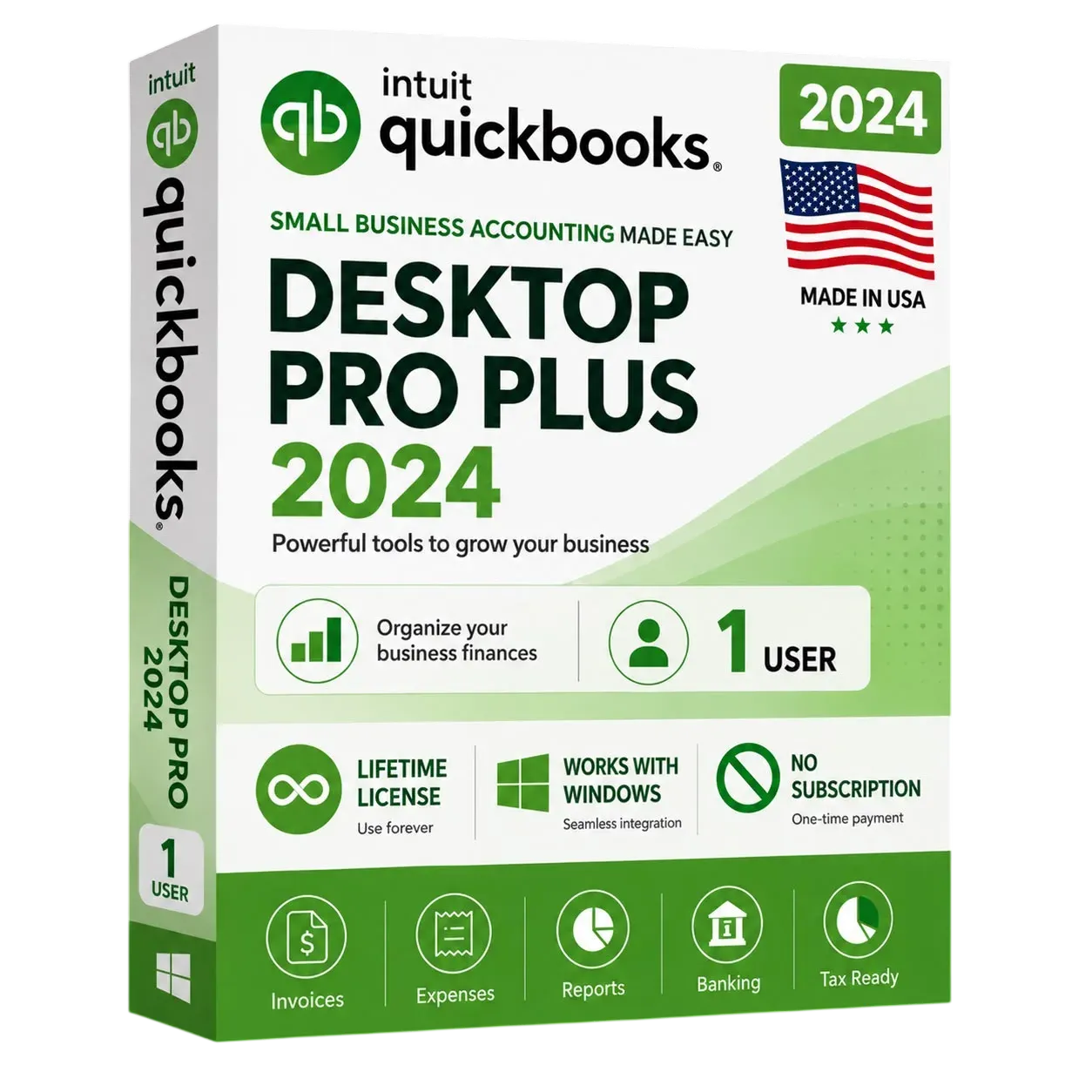
QuickBooks Desktop Pro Plus 2024 (1 User) | US Edition
Powerful desktop accounting for up to 3 users. One-time purchase, genuine license key, instant email delivery.
- Up to 3 simultaneous users
- Track income, expenses & cash flow
- Create & send professional invoices
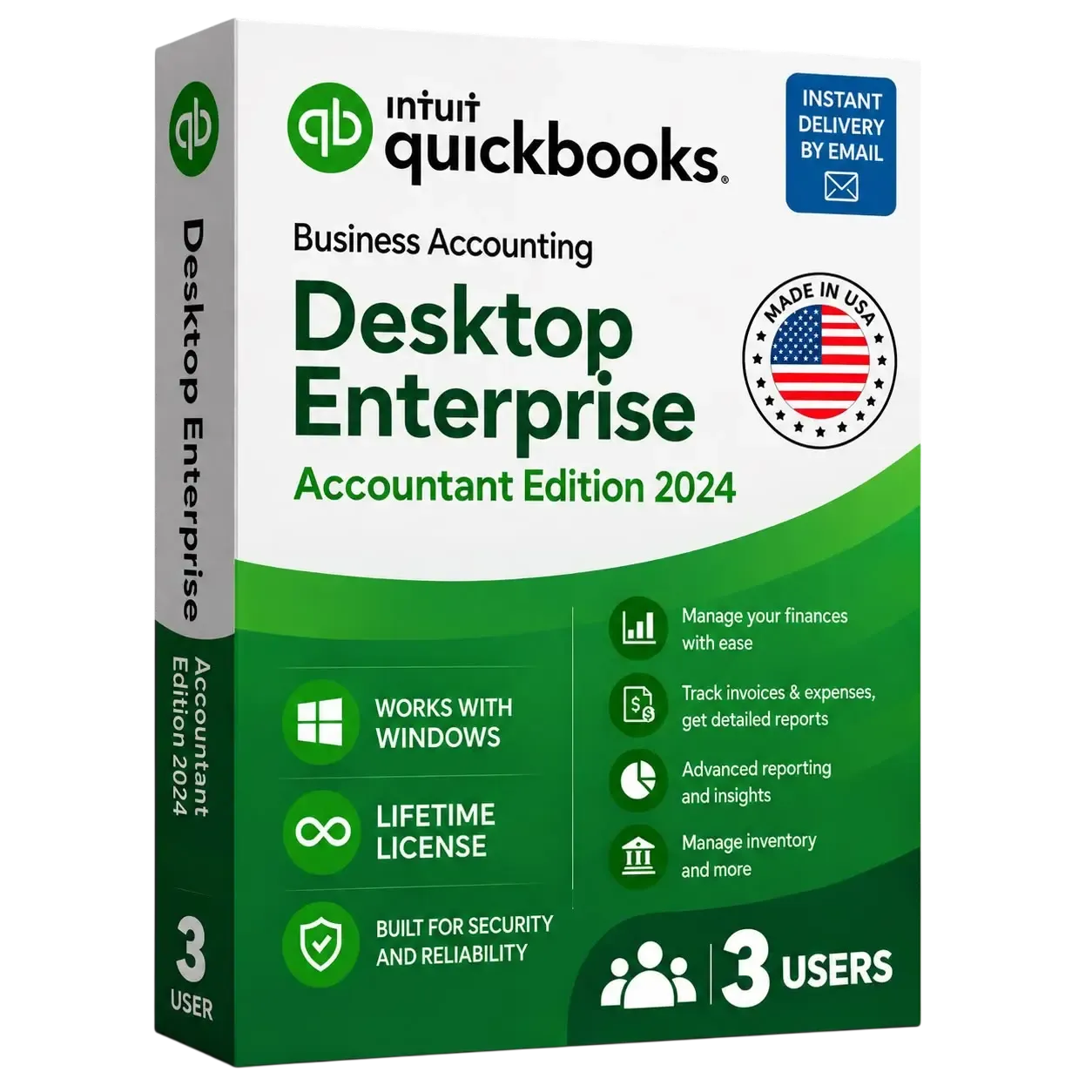
QuickBooks Desktop Enterprise Accountant 2024 (3 Users) | US Edition
A small firm's reviewer and staff: QuickBooks Desktop Enterprise Accountant 2024 for Windows, US edition, 3 simultaneous users. Accountant Center, Client Data Review, batch tools. One payment; key emailed within minutes.
- Licensed for 3 simultaneous users
- Client Data Review + Accountant Center dashboard
- Batch enter, delete & void transactions
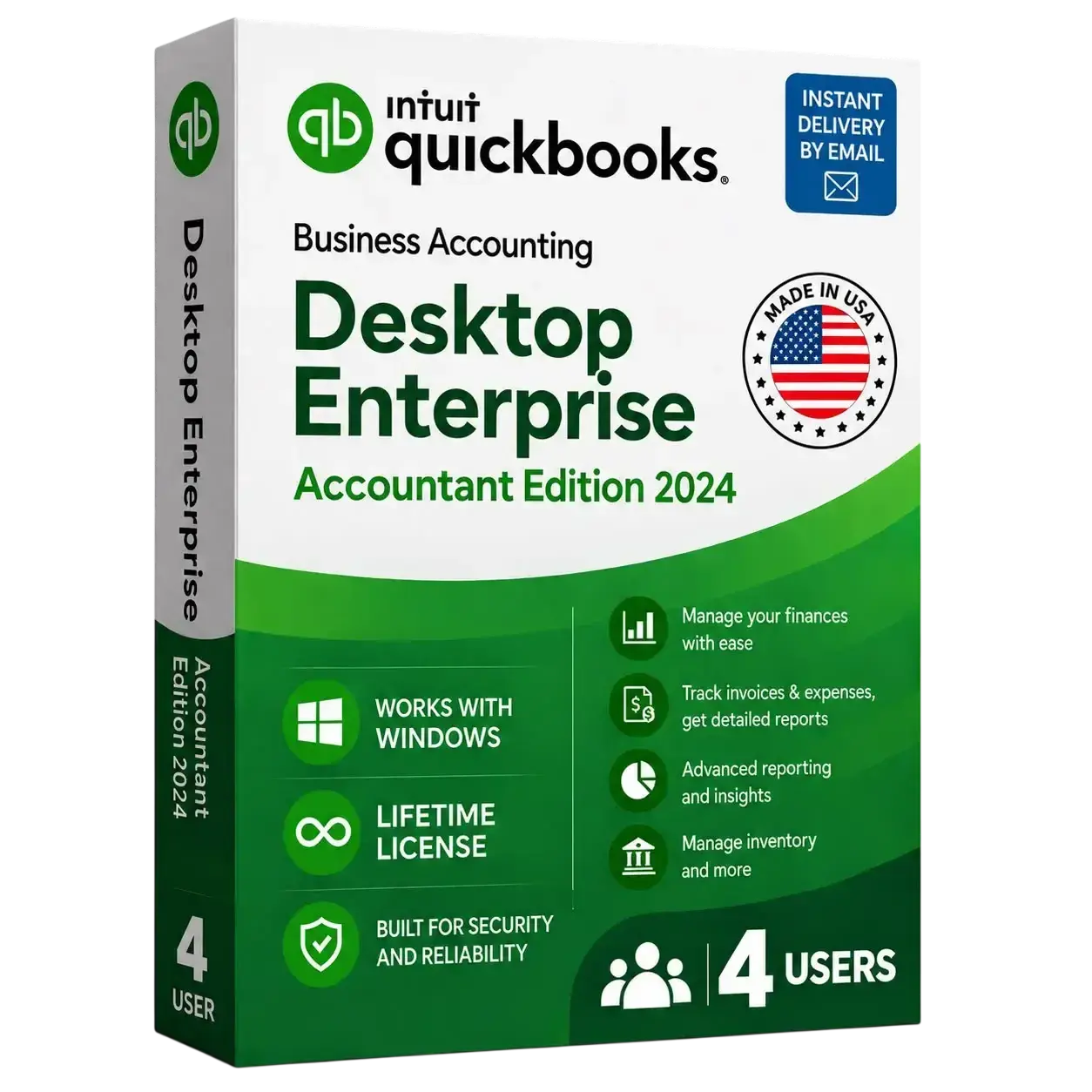
QuickBooks Desktop Enterprise Accountant 2024 (4 Users) | US Edition
A growing practice in busy season: QuickBooks Desktop Enterprise Accountant 2024 for Windows, US edition, 4 simultaneous users. Accountant Center, Client Data Review, batch tools. One payment; key emailed within minutes.
- Licensed for 4 simultaneous users
- Client Data Review + Accountant Center dashboard
- Batch enter, delete & void transactions